
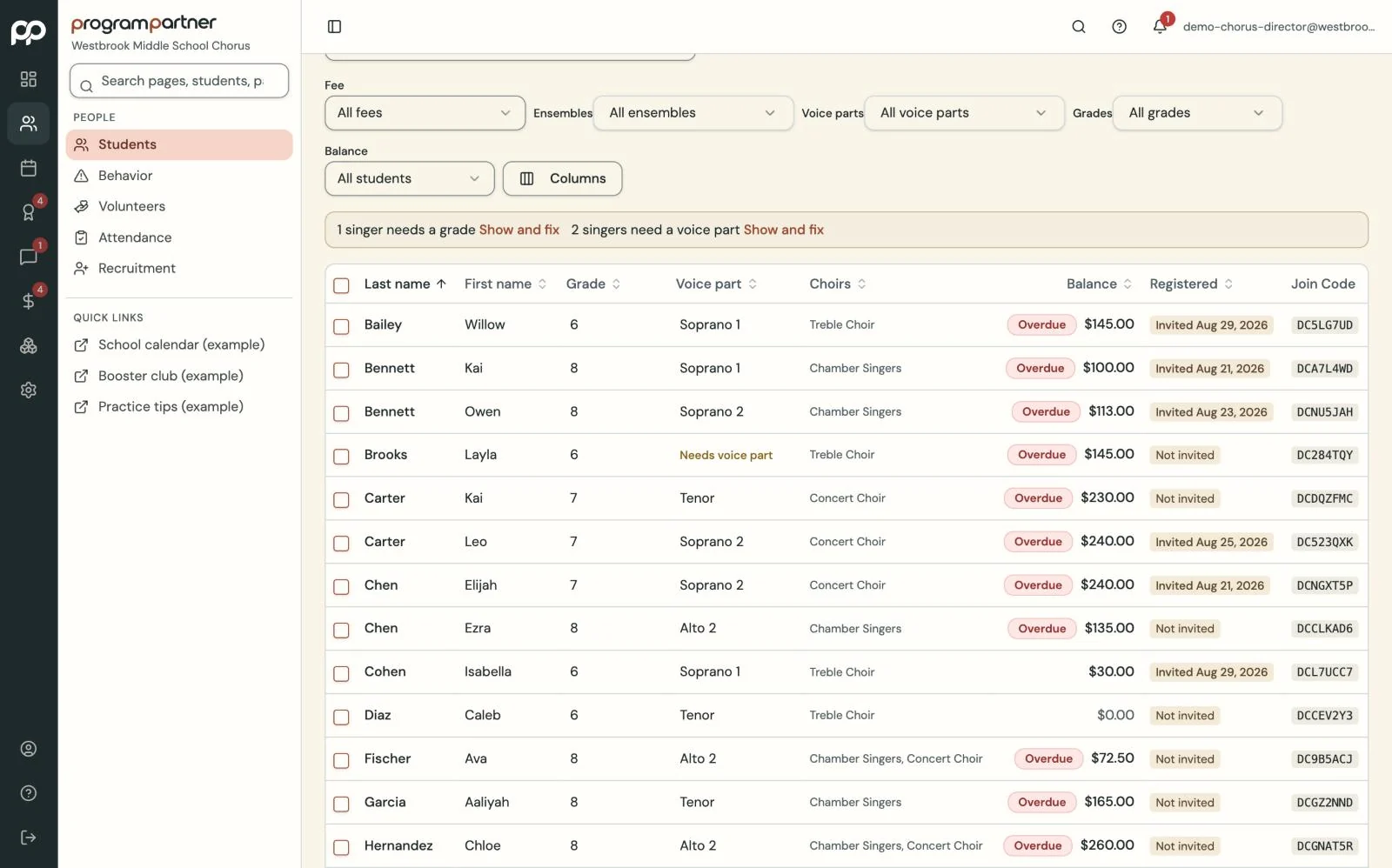
Import your roster from a spreadsheet, or send it to us and we can import it for you.
One roster for students and families.
The roster is one list of your students, their guardians and their ensembles, with portals that answer parents' questions before they reach your inbox.
How it works
-
Step 1
-
Step 2
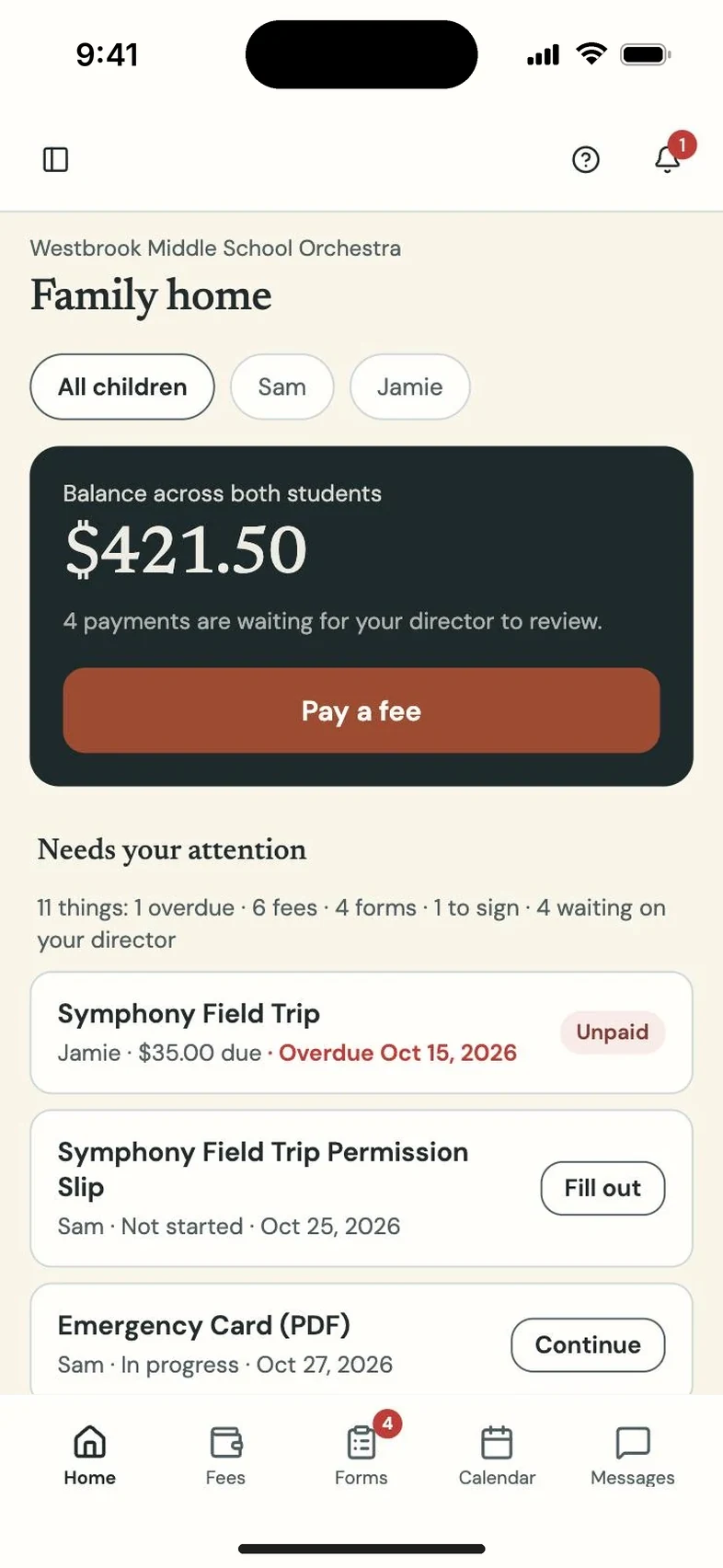
Approve each family's email address, then send an invitation or a printed welcome letter. Families sign in with that address, with no code to type, and land in their own portal.
What you get
Each student profile holds guardians, ensembles, instrument, section and uniform sizes.
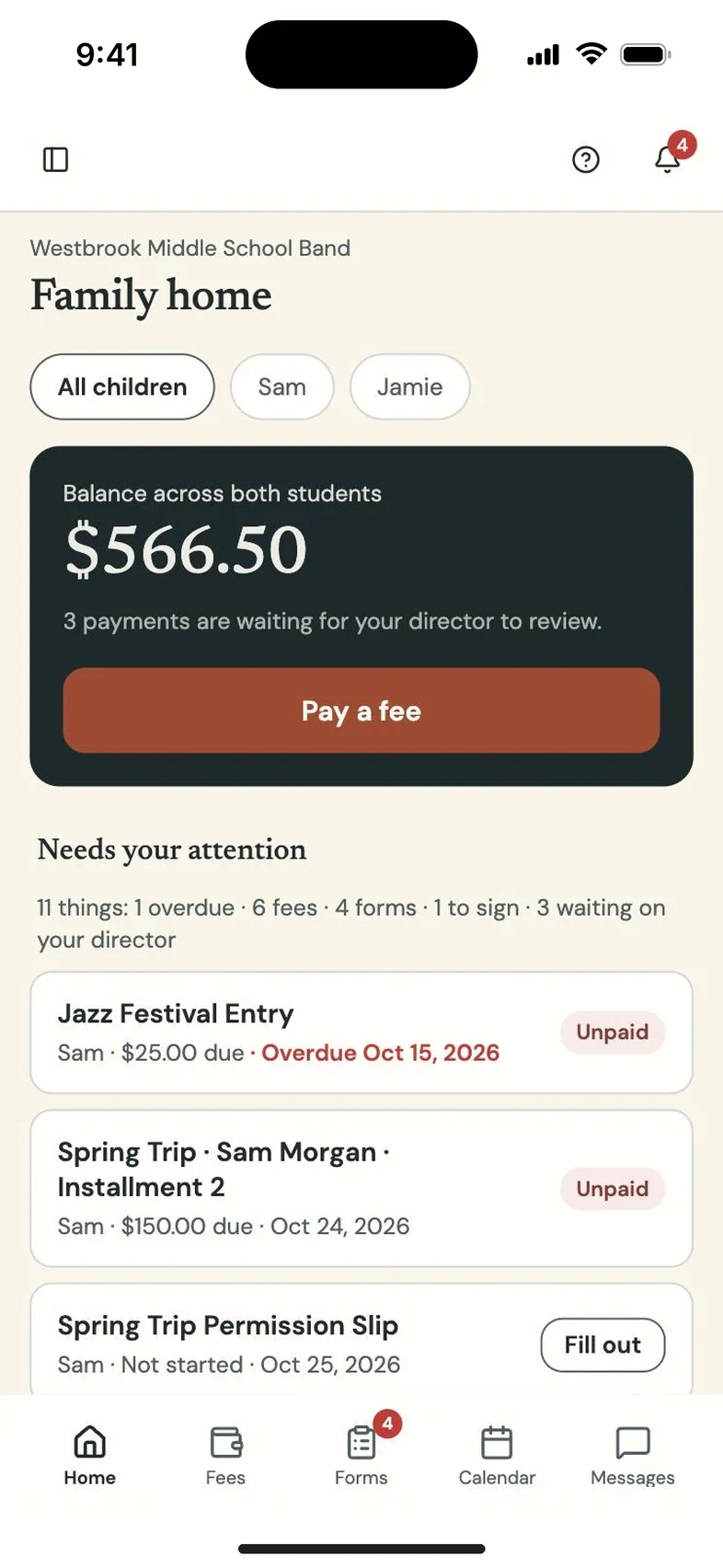
Parents see balances, forms and announcements for every child they're linked to. Students see their own balance, assignments and music.
At the end of the year, rollover promotes grades, archives graduates and carries balances forward, with a record of every change.
Questions directors and teachers ask
Who creates parent accounts?
You do. Approve each family's email address in Program Partner, and they sign in with it, or with the Google account that uses it. They see only their own children.
What happens to a student who leaves?
Archive them. Their logins close, their history stays, and you can bring them back.
Does rollover ever delete anyone?
No. It never deletes a student or erases a balance.