For parents and students
Your director or teacher uses Program Partner to run your program. Here's how to get in and what you'll find.
Getting your account
Your director or teacher sets up your account, and you'll get an email invitation or a welcome letter from your program. Sign in with the email address your program has for you, or the Google account that uses it. There's no code to type. Program Partner doesn't create accounts on its own, so if you haven't heard anything, ask your director or teacher.
Signing in
Go to app.myprogrampartner.com. It works on any phone, tablet or computer. On a phone or tablet, you can add it to your home screen so it opens like an app. There's nothing to download.
What you'll see
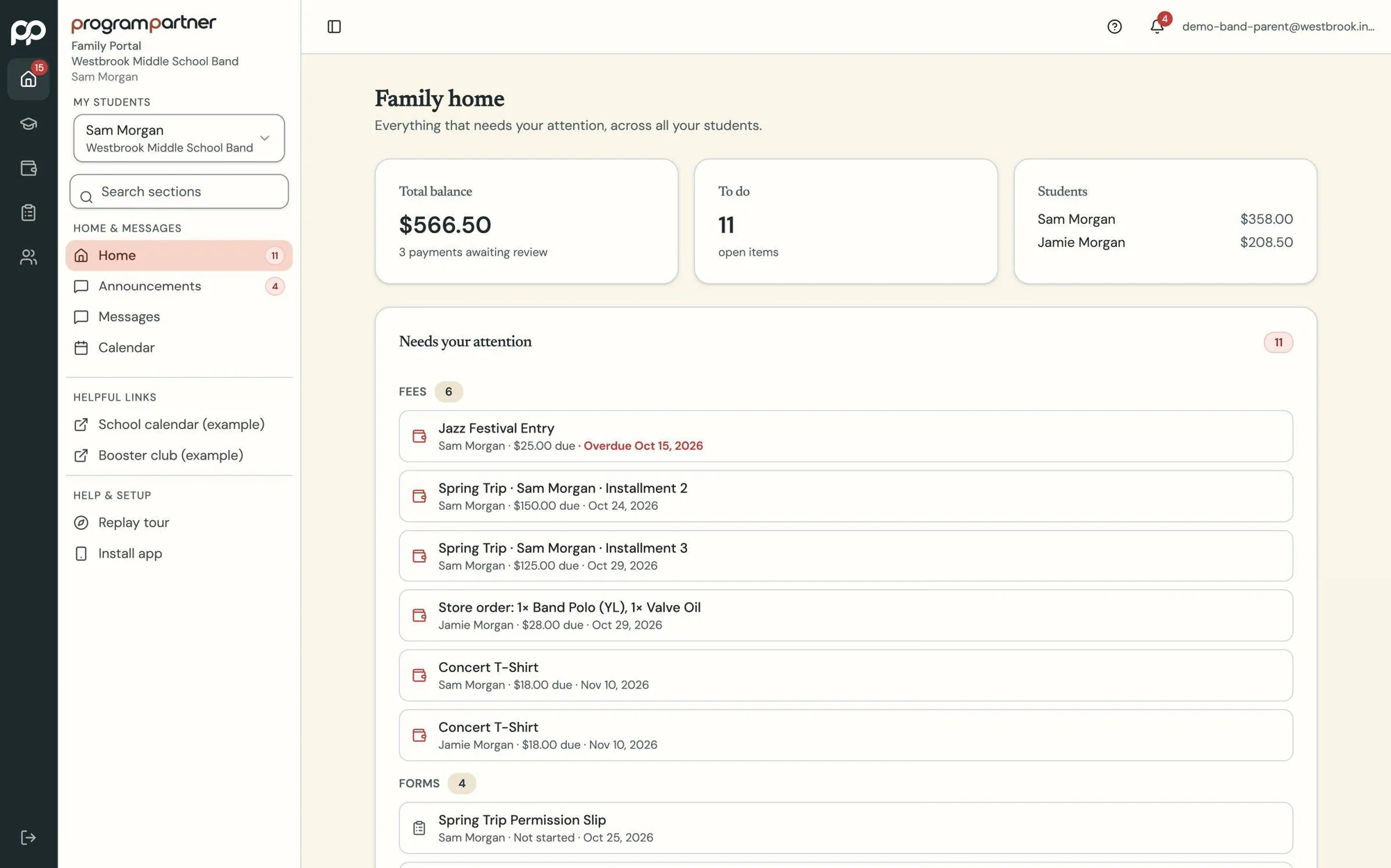
- What you owe, what you've paid, and a receipt for each payment.
- Forms to fill out and sign.
- Announcements, the program calendar and messages from staff.
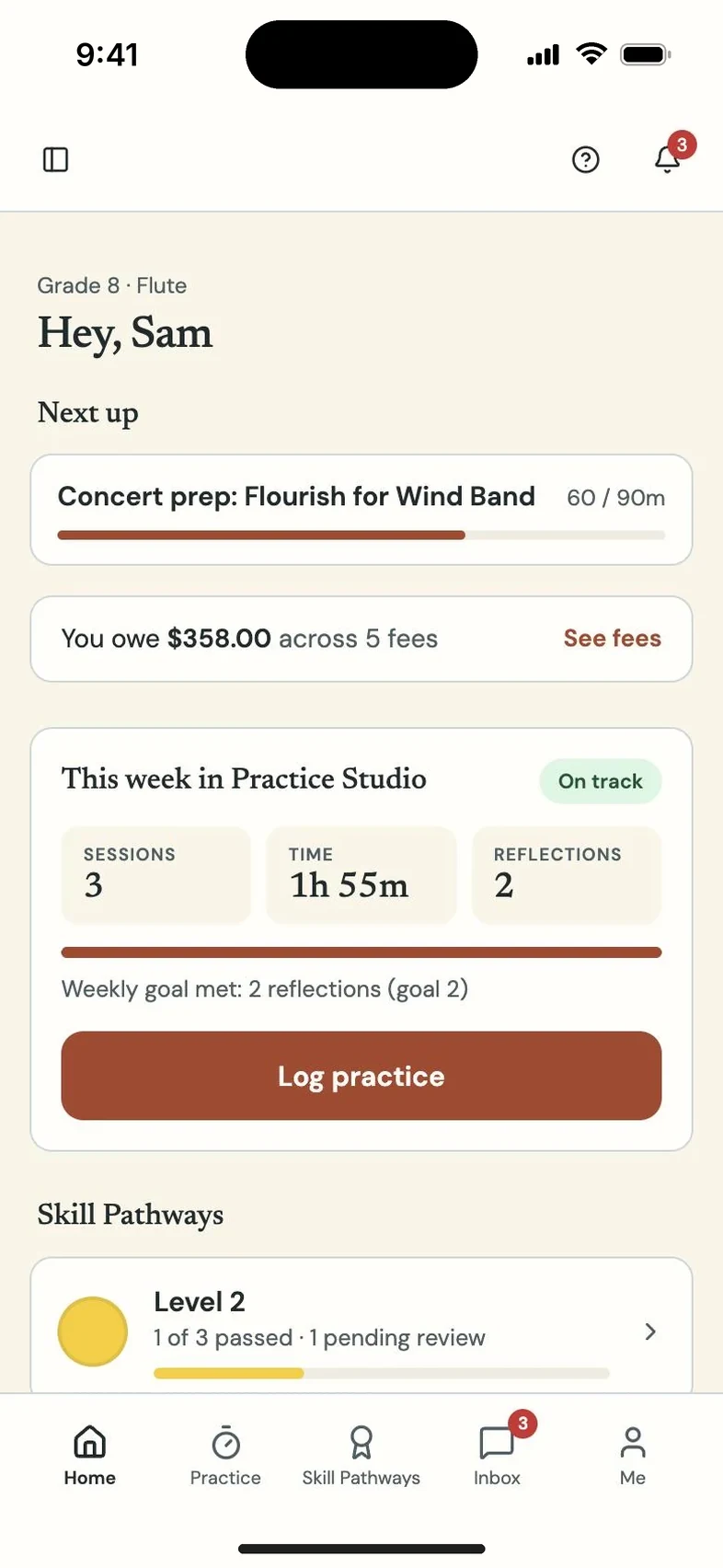
- For students: your own balance, your assignments and your music.
Paying
Payments go straight to your program's account, never to Program Partner. Your program decides how you can pay.
Getting help
- Questions about fees, events or schedules: ask your director or teacher.
- Trouble signing in: email support@myprogrampartner.com.
Your privacy
Your information belongs to your school or program. Program Partner never sells it and never uses it for advertising.
Practice at home
Woodshed is our free practice site for band, orchestra and choir students. No sign-in needed.