
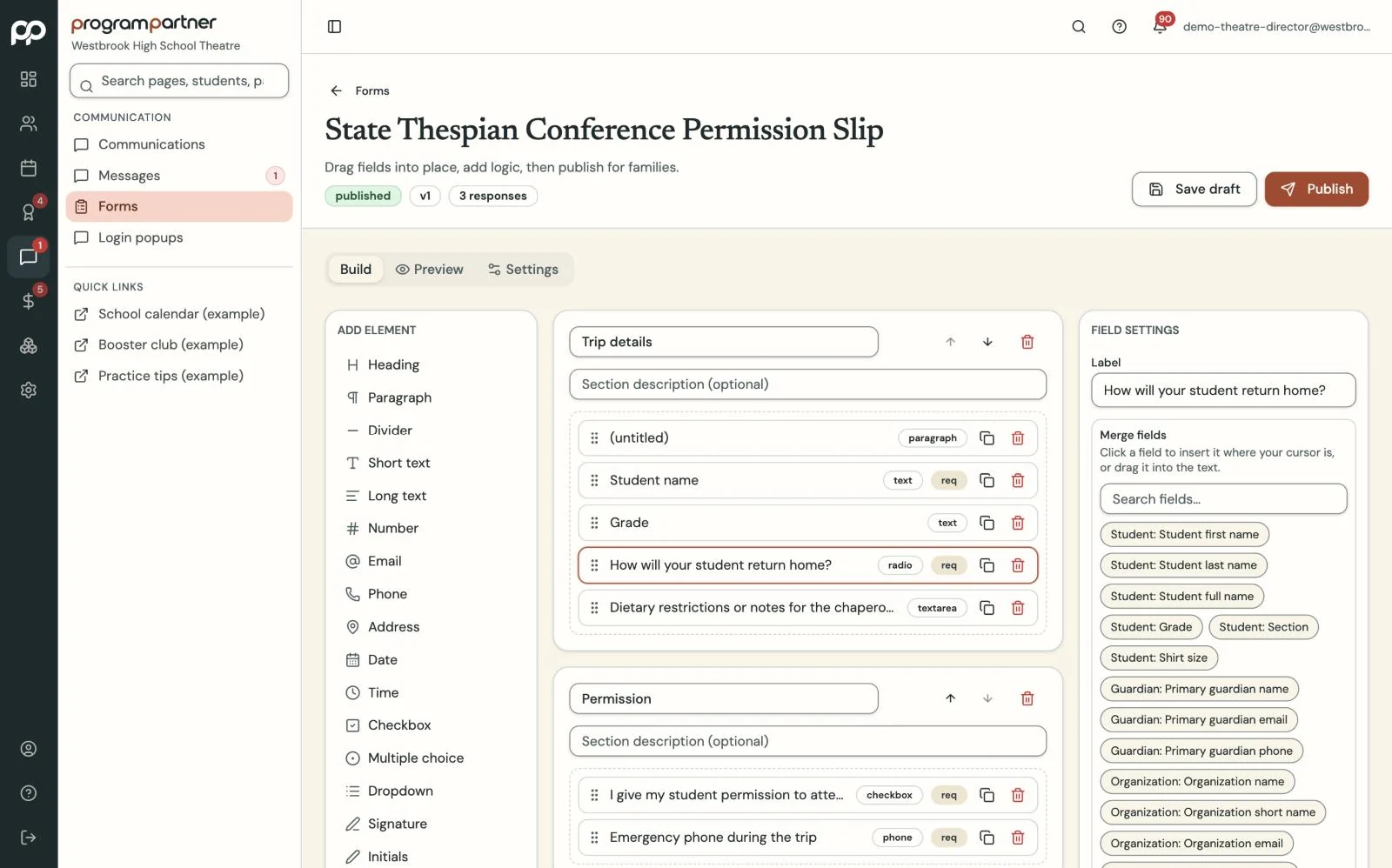
Upload the PDF you already use, start from a template, or build a form from scratch.
Permission slips that chase themselves.
Forms are the permission slips, medical releases and other paperwork families fill out and sign from their portal, with automatic reminders and a clear list of who still hasn't signed.
How it works
-
Step 1
-
Step 2
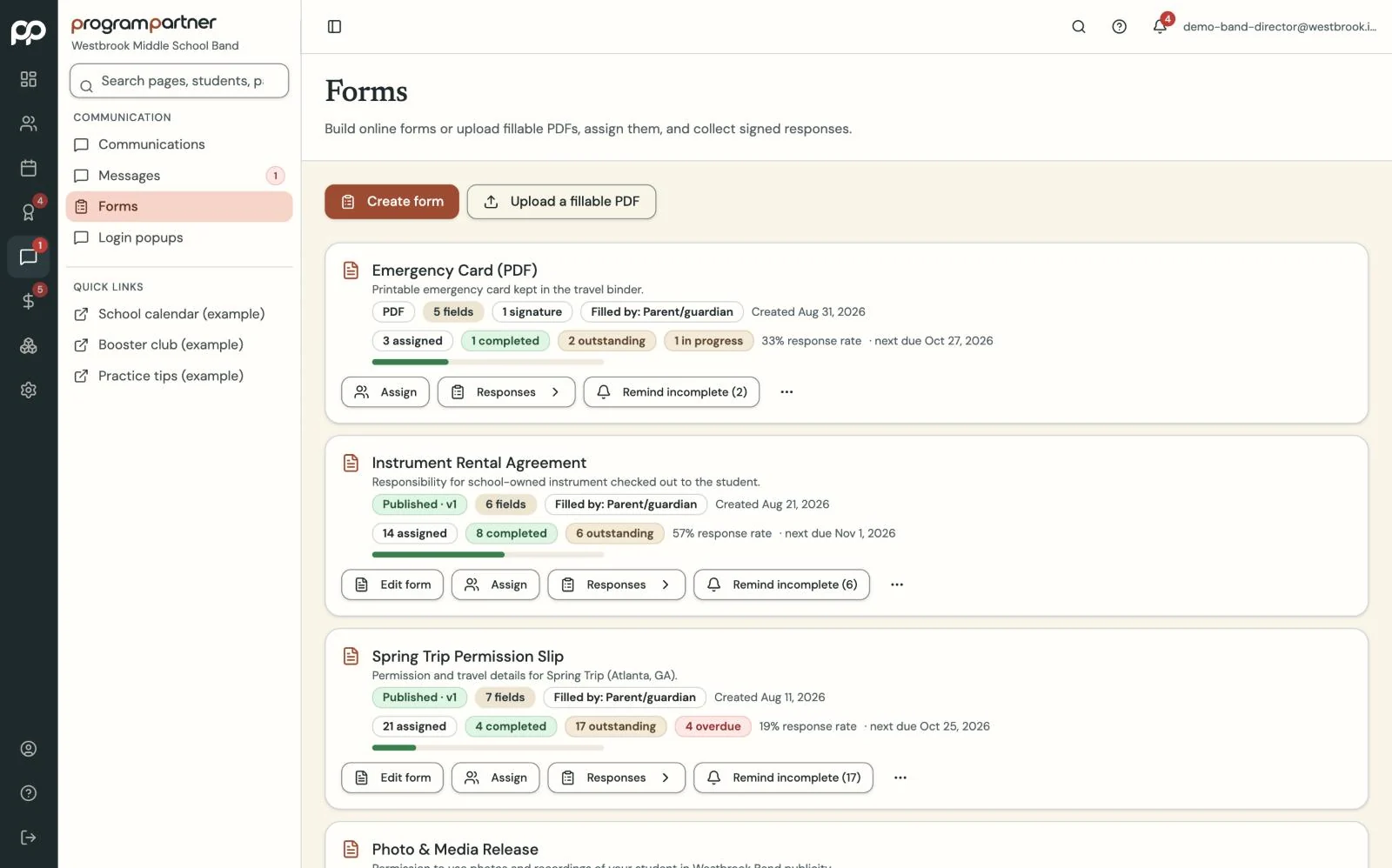
Assign it to a student, an ensemble or everyone going on a trip.
-
Step 3
Reminders keep going until it's signed, and you see who's done at a glance.
What you get
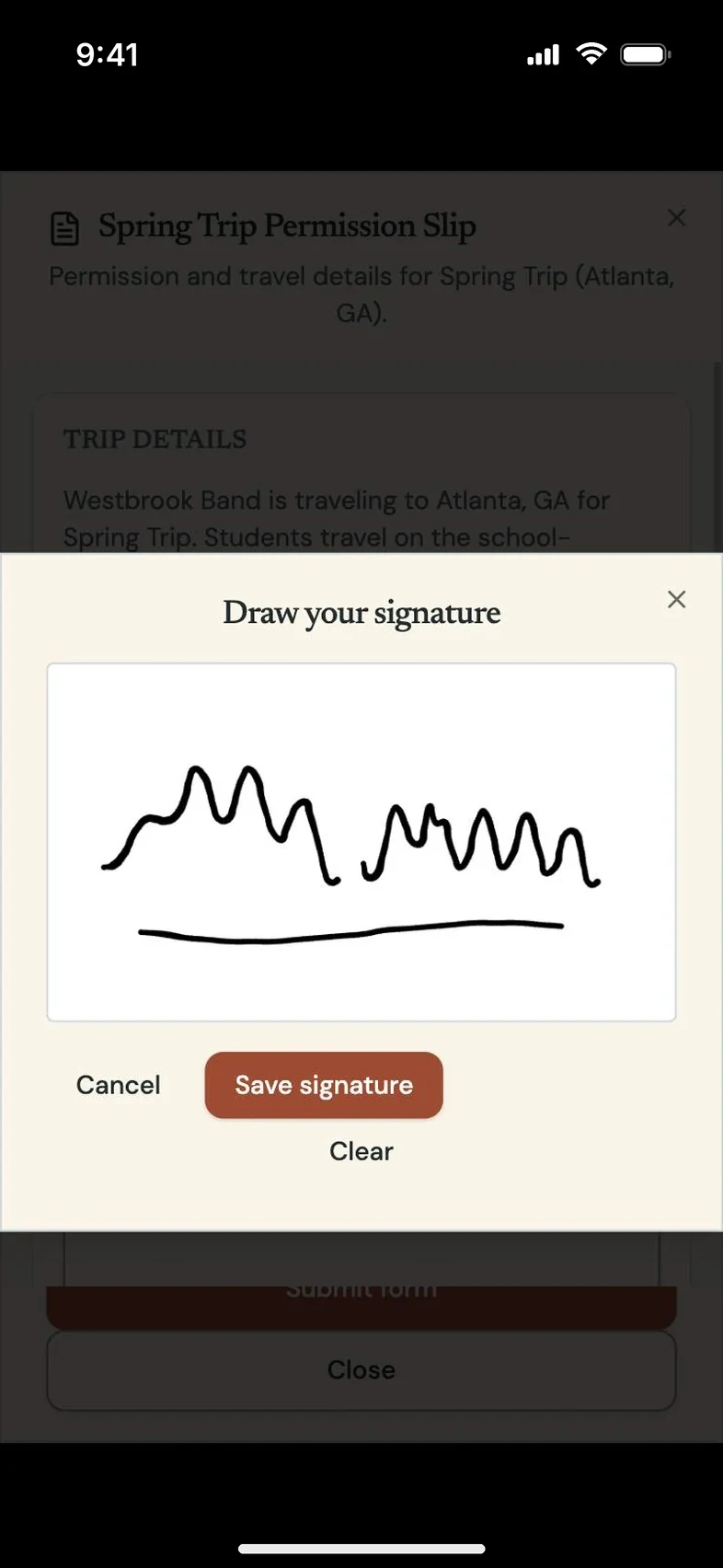
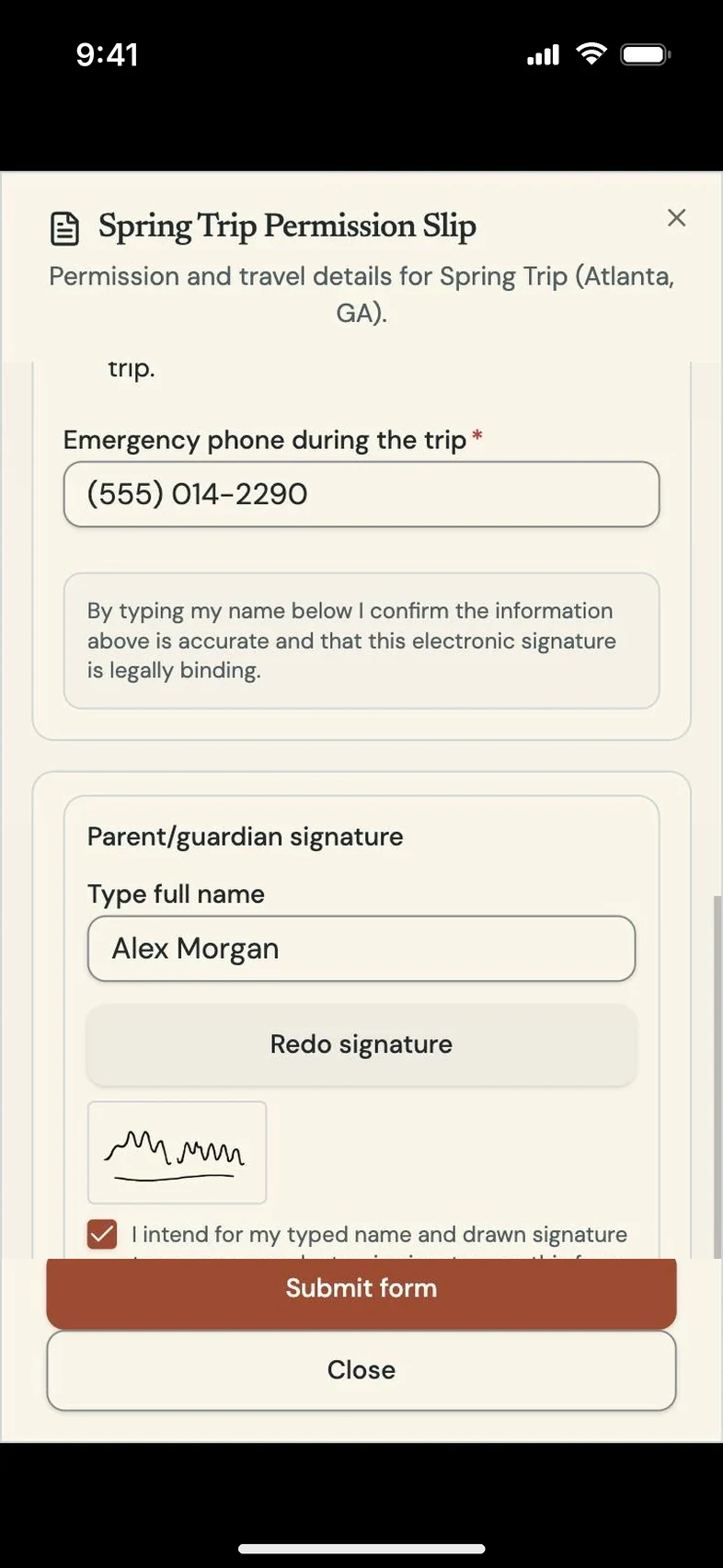
Parents fill out and sign from their portal, and templates cover common forms like medical releases and travel forms.
The acknowledgements page shows everyone who has, and hasn't, signed the handbook or a policy.
Questions directors and teachers ask
Can parents sign on a phone?
Yes. They can also use a tablet or computer.
Who can see a signed form?
Only staff with access to forms, and the family it belongs to.